
Every play ready to be saved.
REPLAYD records your games as you play, with minimal performance impact and settings for everything. Edit your clips in its own editor and export them for any platform.
Save it after it happens.
REPLAYD detects your game and starts working automatically, ready for you to save your best moments.
Nothing leaves your PC.
No account
Install it and you're ready to record.
No tracking
REPLAYD collects nothing about how you use it.
No ads
Not a single ad, not even during the free trial.
No cloud uploads
Everything you record stays on your own drives.
Video that looks the way you played it.
Record HDR games in HDR, in 10-bit color. SDR content is detected automatically even with HDR enabled, so everything records as expected, with no settings to change.
Smaller files. Same quality.
Record in AV1, the most efficient codec your graphics card can offer, with HEVC and H.264 for broader compatibility.
- AV1
- HEVC
- H.264
- 10-bit
Edit once. Share anywhere.
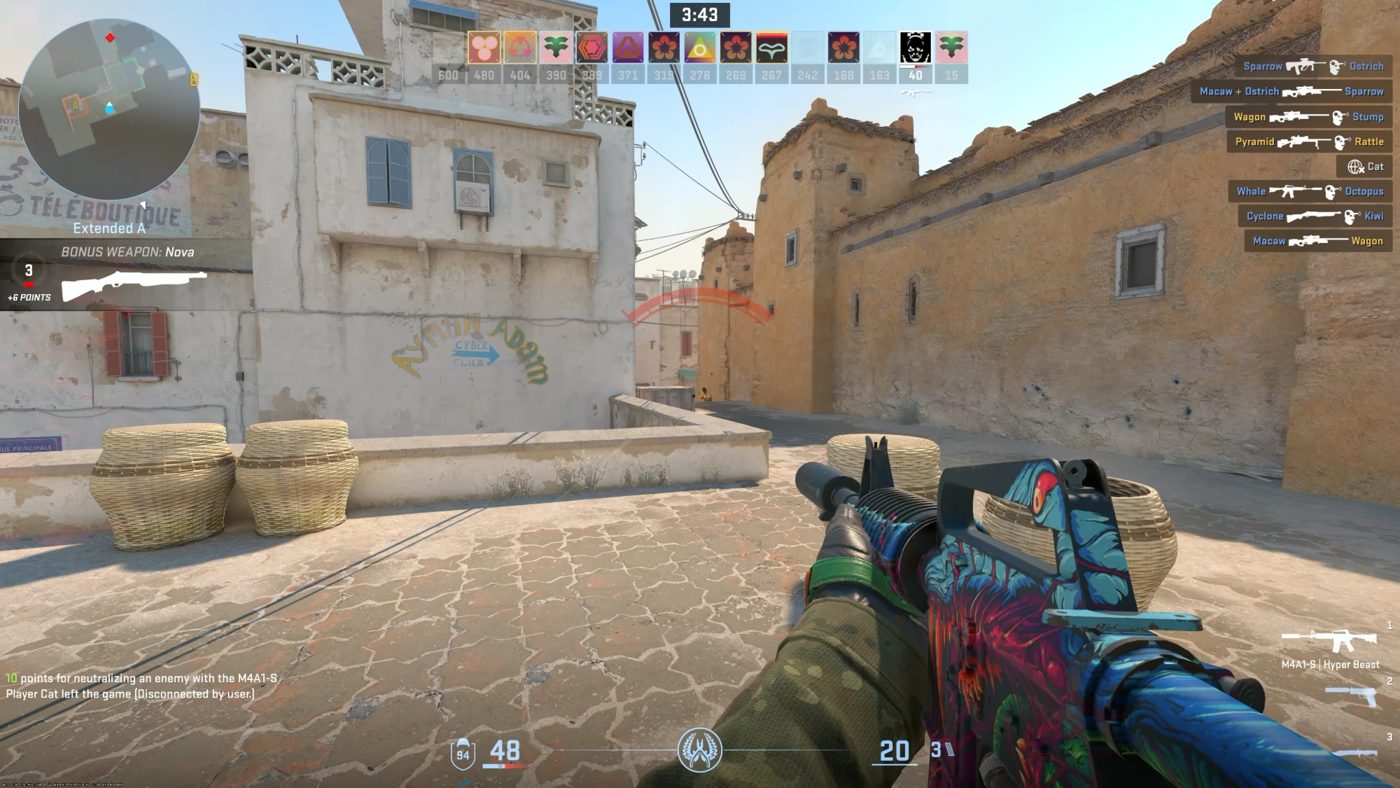
Cut and polish clips in the built-in editor, add captions, your webcam or an input overlay, and export a video ready to be shared wherever you need, taking into account each platform's restrictions. Wide and vertical versions are made side by side, from the same edit.
Editor
Cut, trim, change speed, fade, blur and crop, right inside REPLAYD.
Captions
Made on your PC from your recordings’ audio. Nothing is sent anywhere.
Overlays
Webcam and input overlays, placed once and saved as a layout.
Export
Select where you want to share your clips and REPLAYD automatically gets the file ready for you.
Entire sessions, clips and screenshots. Sorted for you.
- 01Games detected automatically
- 02Settings per game
- 03Matches & history
- 04Kills, deaths & objectives marked in supported games
- 05Powerful library
Save from wherever you prefer.
Keyboard
Any key or combination that you like.
Controller
A button on your controller, button box, steering wheel or flight stick.
Stream Deck
A dedicated plugin that saves replays, clips and screenshots from a key.
Tray
Runs quietly and efficiently in the tray until you need it.
One plan. Everything in it.
No account. No payment method. No ads. No tracking. Just download and play.
Every feature on this page. No tiers, no upsell.